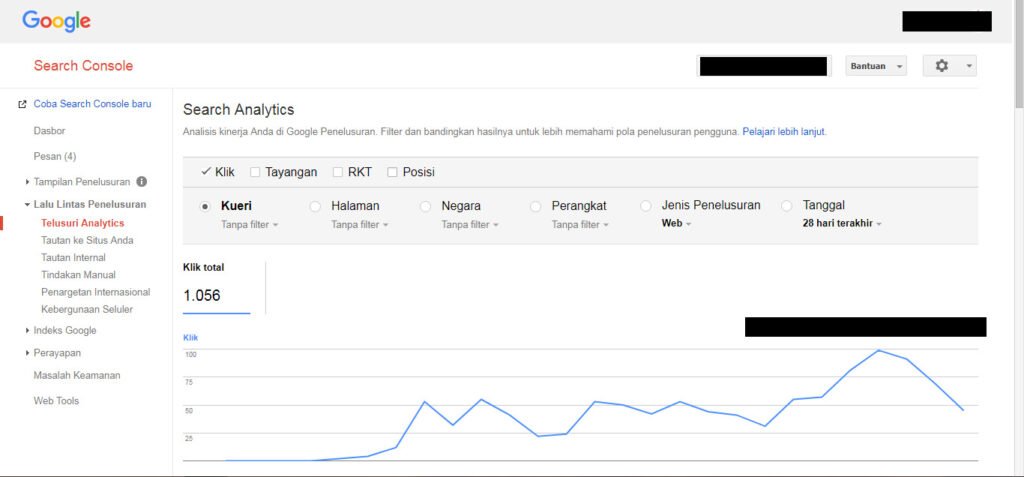
The Crawl Stats report is most useful as an operational trend view. It can help you spot server problems, unusual response-code changes, shifts in crawl demand and the types of resources Googlebot is requesting.
Quick Answer
Use Crawl Stats to understand patterns, not to chase a specific crawl count. Pay attention to host availability, spikes in errors, major unexplained changes and whether crawl activity matches recent site migrations or content changes.
Start With Host Status
If DNS, server connectivity or robots.txt fetching has problems, crawling can be disrupted before page-level SEO even matters. Persistent host issues deserve priority.
Read Trends With Site Changes in Mind
A spike after launching thousands of URLs may be expected. A sudden fall during a server outage tells a different story. Annotate migrations, redesigns and large content changes so the timeline has context.
Inspect Response and File-Type Breakdowns
Response-code distributions can reveal excessive redirects or server errors. File types and Googlebot types help explain what is actually being requested rather than treating all crawl activity as identical.

Crawl Stats Review
- Check host status.
- Compare crawl requests with recent site changes.
- Review 3xx, 4xx and 5xx shares.
- Look at average response time trends.
- Inspect file-type and Googlebot-type breakdowns.
- Investigate sustained unexplained shifts rather than daily noise.
Example: Interpreting a Crawl Spike
Imagine crawl requests double immediately after a site migration. That increase is not automatically good or bad. Google may be revisiting redirected old URLs, discovering the new structure, checking updated sitemaps, and fetching assets needed for rendering. The timeline only becomes meaningful when you compare it with the migration event and response-code breakdown.
If the spike is dominated by 301s and gradually settles, it may reflect normal migration activity. If it is dominated by 5xx responses or repeated requests to useless parameter URLs, the same graph points to a very different engineering problem.
Response Time Is a Useful Operational Signal
A sudden rise in average response time alongside crawl failures deserves investigation. Check hosting incidents, plugin changes, database load, CDN configuration, and deployment history around the same period. Crawl Stats becomes more actionable when combined with server evidence.
Do not optimize toward a target number of requests per day. The goal is reliable access to important content with minimal waste, not a larger graph.
What Crawl Stats Cannot Tell You
The report does not tell you that a higher number of crawl requests caused better rankings, nor does it provide a page-by-page ranking explanation. It is primarily a host- and crawl-behavior diagnostic view.
For specific URLs, move to URL Inspection, server logs, or a crawl of your own site. For performance questions, use the Search performance report. Choosing the right report for the question prevents Crawl Stats from becoming a catch-all explanation for unrelated SEO changes.
Common Mistakes
Do not interpret a higher crawl count as a ranking improvement or try to manufacture crawling for its own sake. The report is diagnostic, not a scorecard.
Watch the Topic in Context
How Google Search Crawls Pages
The Crawl Stats report makes more sense when you understand what a crawl request represents in the broader discovery process.
Watch on YouTube ↗ · Google Search Central