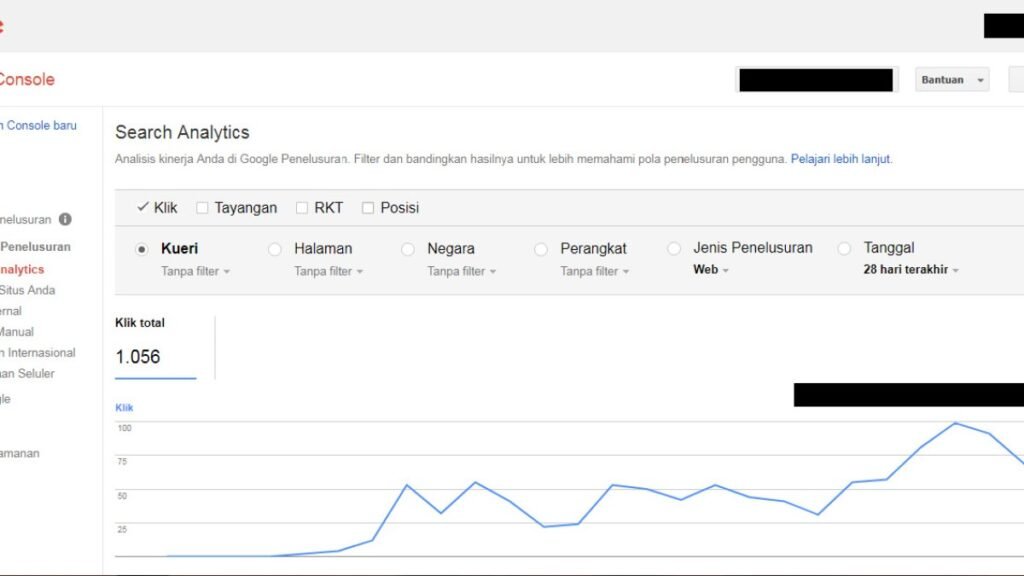
A successfully processed sitemap means Google could read the sitemap; it does not mean every listed URL will be crawled immediately or added to the index. The sitemap is a discovery signal, not an indexing guarantee.
Quick Answer
Confirm the missing URL is canonical, indexable, available with a 200 response, useful, and internally linked. Then inspect its specific status in Page indexing and URL Inspection. Fix the page-level issue rather than repeatedly resubmitting the same sitemap.

Separate Sitemap Processing From URL Indexing
The Sitemaps report describes how Google processed the sitemap file. Each URL still goes through discovery, crawling, canonicalization and indexing systems separately.
Check the URL Itself
Inspect robots directives, canonical tags, response codes, redirects and content purpose. If the URL redirects or canonicals elsewhere, sitemap inclusion is inconsistent with that signal.
Look Beyond the Sitemap
A page that matters should have contextual internal links and a clear role in the site. Sitemap-only discovery is weaker architecture than a page users can naturally reach.

Missing URL Checklist
- Verify the sitemap contains the exact canonical URL.
- Check HTTP status and robots directives.
- Inspect the canonical tag.
- Use URL Inspection.
- Review internal links.
- Compare the content with similar pages.
- Wait for recrawling after meaningful fixes.
Example: The Sitemap Is Fine but the Page Is Not
Suppose Search Console shows a sitemap as processed successfully, but one important article is missing from the index. The URL is present in the XML, yet the page canonicals to another article because of a template bug. Resubmitting the sitemap does not address that contradiction.
In another case, the page returns 200 and has a self-canonical but is almost identical to a stronger existing guide. Again, the sitemap is doing its job: it helped surface the URL. The remaining question is whether the page itself deserves separate indexing.
Use the Sitemap as a Diagnostic Filter
A clean sitemap gives you a useful subset of URLs to monitor because those are the pages the site is explicitly presenting as preferred and indexable. If many sitemap URLs are redirected, noindexed, or noncanonical, clean the sitemap first so the report is easier to interpret.
When an individual URL is missing, move from the sitemap report to page-level evidence: response code, robots directives, canonical, content purpose, internal links, and URL Inspection. That sequence is more efficient than repeatedly rebuilding the sitemap.
Look for Patterns Across Missing URLs
If one sitemap URL is missing from the index, investigate the page. If dozens of URLs from the same template are missing, compare their shared characteristics: content depth, canonical tags, internal-link depth, response behavior, and publication timing.
Patterns can reveal a template-level issue that individual URL requests would never solve. For example, a category of posts may inherit the wrong canonical or sit several clicks deeper than the rest of the site. Fixing the shared cause is more scalable than treating each URL as an isolated indexing case.
Common Mistakes
Do not assume a green sitemap status equals successful indexing, and do not regenerate or resubmit the sitemap repeatedly when the page itself is the problem.
Watch the Topic in Context
How Google Search Crawls Pages
The crawling overview clarifies why sitemap discovery is only one stage in the path toward indexing.
Watch on YouTube ↗ · Google Search Central