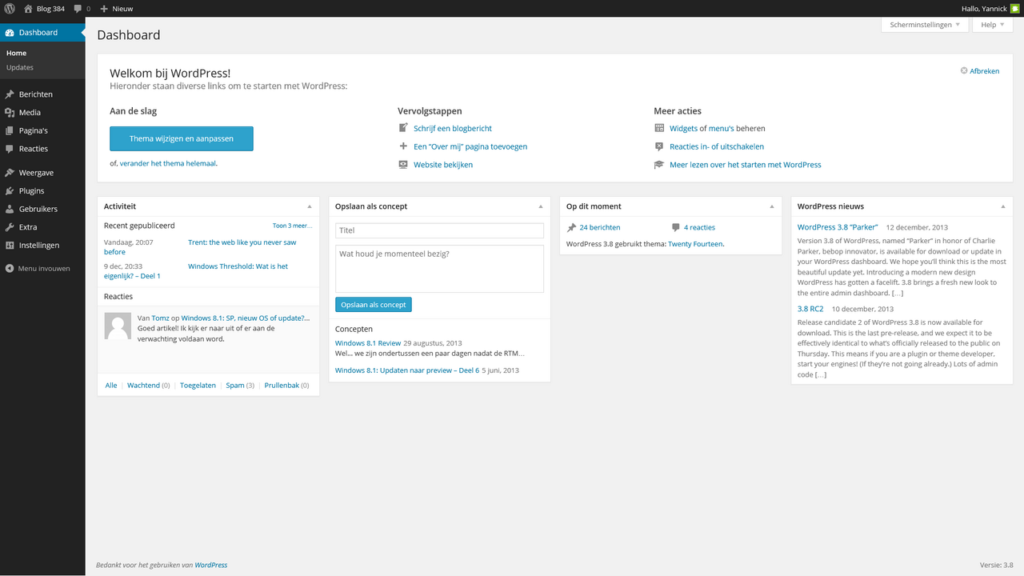
Uploading an image to WordPress creates a media item, and some configurations can expose a dedicated attachment page for that file. Whether that page belongs in search depends on what the page actually offers beyond the image itself.
Quick Answer
For most editorial sites, a bare attachment page with only an image, filename, and little context adds limited standalone value. Keep attachment pages indexable only when they are intentionally designed as useful media pages; otherwise redirect or exclude them according to your site architecture.
Understand the Difference Between a Media File and an Attachment Page
The image file itself may be useful for image search and for rendering inside an article. The attachment page is a separate HTML URL WordPress can create around that media item.
Do not confuse removing an attachment page with blocking the image file. A site can simplify thin attachment URLs while still allowing useful images to be crawled and displayed.
Audit What Your Current Theme and Plugin Actually Do
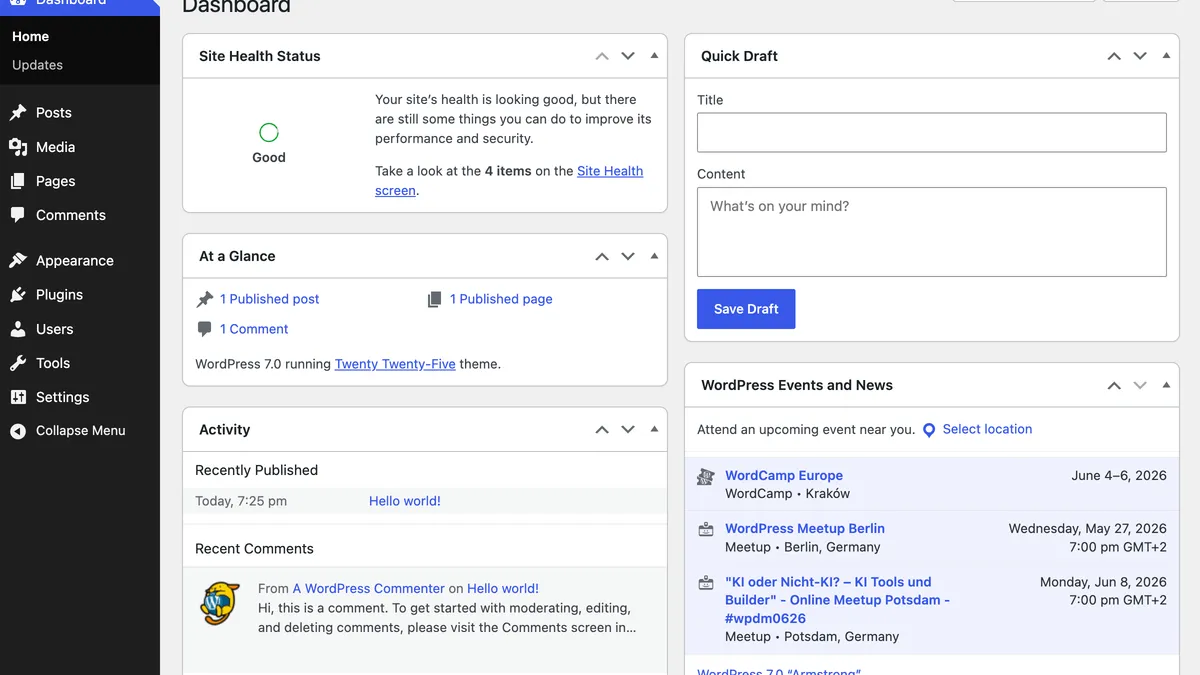
Open a few media items and inspect whether a public attachment URL exists, whether it redirects, and what content appears there. Different WordPress versions, themes and SEO plugins can handle attachment URLs differently.
If the page is indexable, ask whether a user landing from search would find enough context to understand the image, its source and its relationship to the main article.
Choose One Consistent Policy
A photography archive, documentation library or image-heavy reference site might intentionally build rich attachment pages. A normal blog may prefer to send attachment URLs back to the parent article or avoid indexing them.
Whatever you choose, apply it consistently and test real URLs after configuration changes. Avoid leaving a mixture of empty media pages, redirects and outdated internal links.
Attachment Page Audit
- Open several media attachment URLs while signed out.
- Check whether they return content, redirect, or are unavailable.
- Confirm whether canonical and robots directives match the intended policy.
- Make sure image files used in articles remain accessible.
- Update old internal links that point to attachment pages unnecessarily.
Example: Thin Attachment Page vs Useful Media Page
Imagine a tutorial uses a screenshot of Search Console. A default attachment page might show only the image, its filename, and a link back to the article. That page has little independent purpose. By contrast, a photography site might use an attachment page to provide the image title, creator, location, licensing information, technical details, and links to a related gallery. The second page can serve a real user need.
The decision therefore depends on page value, not on whether WordPress calls the URL an attachment. If the attachment page is merely a thin wrapper, redirecting it to the parent article or excluding it from indexing is usually cleaner than maintaining a second weak URL.
What to Test Before Changing the Setting
Open several attachment URLs while signed out and record what happens. Then change the media setting in your SEO plugin or theme, clear caches, and retest the same URLs. Confirm that normal image files used inside articles still load and that any old internal links to attachment pages have a sensible destination.
For older sites, check analytics or Search Console before removing attachment pages in bulk. A small number may have earned links or serve a legitimate purpose even if most of the archive is thin.
Common Mistakes
Do not delete media files just to remove thin attachment pages; that can break article images. Also avoid blanket rules copied from another site without checking whether your own media pages contain useful captions, transcripts, galleries or other standalone information.
Watch the Topic in Context
SEO for Google Images
Google Search Central’s image SEO overview helps separate optimization of the actual image from decisions about the surrounding WordPress attachment-page URL.
Watch on YouTube ↗ · Google Search Central