
A slow WordPress page rarely becomes easier to diagnose when you change every optimization setting at once. Start with the experience that is failing: does the main content arrive late, does an interaction hesitate, or does the page move while someone is trying to use it?
Those questions point to different measurements and different elements. This guide connects them to common WordPress components, then shows what a real SeoNative homepage test can—and cannot—tell us.
Match the Symptom to the Metric
| Metric | Experience It Measures | Good Threshold |
|---|---|---|
| Largest Contentful Paint (LCP) | When the largest visible content element is rendered | 2.5 seconds or less |
| Interaction to Next Paint (INP) | Responsiveness to user interactions | 200 milliseconds or less |
| Cumulative Layout Shift (CLS) | Unexpected movement of visible content | 0.1 or less |
Core Web Vitals assessment uses the 75th percentile of real visits, with mobile and desktop evaluated separately. These thresholds describe the three metrics; a Lighthouse performance score is a different summary. Core Web Vitals definitions.
A loading test also cannot stand in for every interaction. A menu that opens quickly during one check may still hesitate when another script is busy. Test the actions a reader actually takes, including opening navigation, dismissing a notice and following an in-page control.
A Historical Homepage Lab Baseline
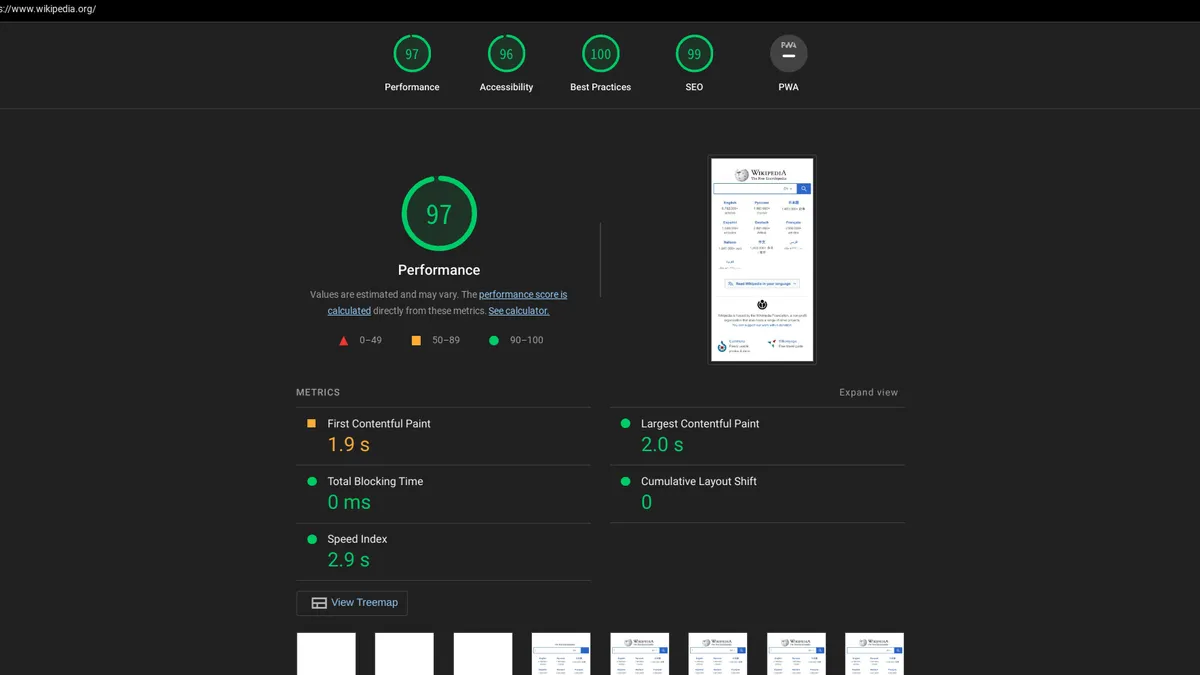
Before the current site build was completed, we captured one PageSpeed Insights mobile lab run for https://seonative.site/ on 19 September 2026. The report used an emulated Moto G Power, Slow 4G throttling, and Lighthouse 13.4.1. Treat the numbers below as a dated baseline, not as the site’s current Core Web Vitals status.
| Reported Item | Observed Value |
|---|---|
| Mobile performance score | 99 |
| First Contentful Paint | 0.9 seconds |
| Largest Contentful Paint | 0.9 seconds |
| Total Blocking Time | 0 milliseconds |
| Cumulative Layout Shift | 0 |
| Speed Index | 3.7 seconds |
| Real-user experience section | No Data |
These values were recorded from PageSpeed Insights at that time. We did not measure a before-and-after improvement, test every article template, or obtain a field INP value. A new run can differ as the page, assets, browser environment, or Lighthouse version changes.
Read the Limits
A strong lab run is useful diagnostic evidence, but “No Data” in the real-user section is not a Core Web Vitals pass. Total Blocking Time is a lab diagnostic and is not an INP measurement.
PageSpeed Insights separates Lighthouse lab diagnostics from Chrome UX Report field data, which covers a rolling period when sufficient data is available. Keep the page or origin scope and device group attached to any field result you record. See Google’s PageSpeed Insights documentation.
Images and Fonts Can Delay the Main Content
An oversized hero image is an obvious candidate, but its transfer size is only part of LCP. Server response, resource discovery and the delay before rendering also matter. Identify the actual LCP element before deciding which asset to optimize. Optimizing LCP.
For a post with a large opening image, inspect the delivered dimensions, file size and loading behavior. If that image is the LCP element, lazy loading can delay it unnecessarily. A blanket “lazy-load everything” option deserves particular care. LCP image loading guidance.
For a text-led page, inspect font requests and the rendering timeline as well. Test a proposed font change in the actual template: a different font can alter line wrapping, title height and the position of everything below it. Keep a visual check alongside the speed measurement.
Scripts Can Make Interactions Wait
Menus, sliders, embeds, analytics and other components can contribute work on the main thread. Long tasks can delay input handling or the next visual update. The useful investigation follows the slow interaction to the work happening at that moment. Optimizing INP.
Do not diagnose the site from its plugin count. Two installations with the same number of plugins can load different assets on the tested page. Record the specific script or task you suspect and the feature it supports. Then use a reversible test to see whether changing that component affects the observed delay.
The SeoNative mobile report flagged one long main-thread task despite reporting 0 ms Total Blocking Time. That is a prompt to inspect the detail if a related problem appears, not evidence that our menu is slow. We have not measured an interaction failure on that basis.
Unreserved Space Can Move the Page
Images without reserved dimensions, late inserts, advertisements, embeds and font changes are common layout-shift candidates. Reserving appropriate space can prevent surrounding content from moving when an element arrives. Optimizing CLS.
For WordPress publishing, check the complete article after adding media. Watch a table, caption or embed load at a narrow width. If a notice is inserted above the title, inspect whether it moves the reading position. A stable homepage does not establish that a future image-heavy post will also be stable.
Use a Repeatable Change Record
- Choose the affected URL and interaction. Record the device group, test conditions and relevant metric.
- Find the element, request or task connected to the symptom. Save the observation before changing settings.
- Change one plausible cause on a staging copy or with a clear rollback path.
- Repeat comparable measurements and inspect variation instead of selecting only the best score.
- Check that navigation, typography and content still work, then review field data later if it becomes available.
Our report also estimated a 300 ms opportunity from render-blocking requests. An estimated saving is not a measured improvement and is not a reason to remove a stylesheet blindly. Investigate the request, preserve the intended layout and measure the result of any change.
Begin with the technical diagnostic path in Start Here if you need to organize the investigation. Keep the question small enough to answer: one symptom, one suspected cause and a comparison you can explain.
Watch the Topic in Context
Core Web Vitals in the Real World
This Chrome for Developers session looks at Core Web Vitals in practice and how real sites improved them. Use it to understand why layout, loading, and interaction choices in WordPress matter.
Watch on YouTube ↗ · Chrome for Developers