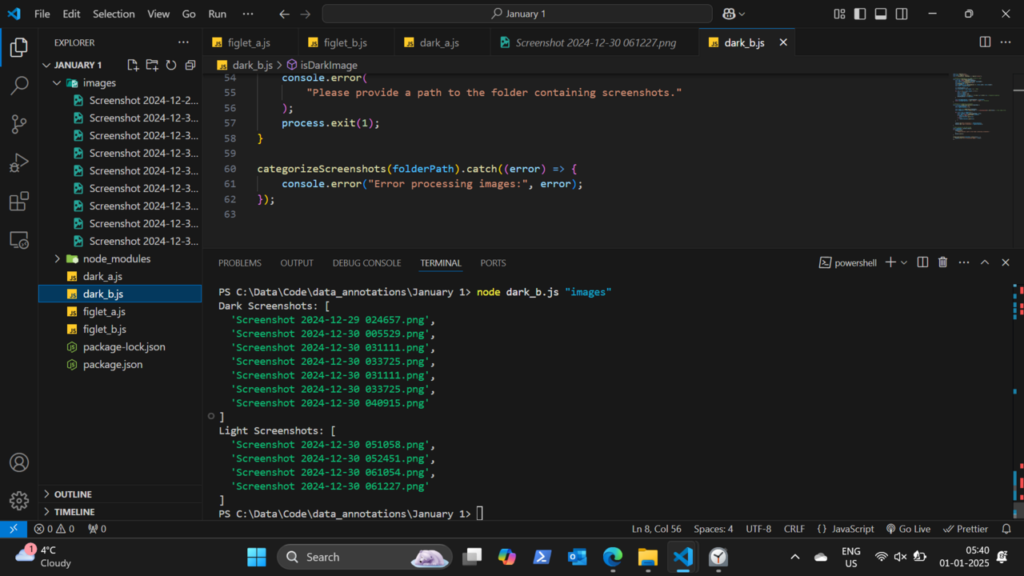
Most WordPress pages do not require advanced JavaScript SEO, but themes, builders, interactive blocks and third-party applications can move important content or navigation into scripts. The key question is whether the rendered page still exposes the content and links users need.
Quick Answer
Keep primary content and navigation available in rendered HTML, use normal anchor links, test lazy-loaded content, and verify that client-side behavior does not hide essential text or metadata. Inspect what the browser renders rather than assuming source code tells the whole story.
Separate Enhancement From Dependency
JavaScript can improve interfaces without becoming the only way to access core content. Critical headings, article text and navigation should remain robust even when optional interactions fail.
A menu that exists only after a complex script executes is more fragile than a normal link enhanced by JavaScript.
Test Rendered Content
Use browser developer tools and Search Console URL Inspection when needed to compare source and rendered output. Check whether important text, canonical tags, structured data and links are present after rendering.
Be Careful With Client-Side Navigation
Single-page patterns can change content without producing stable crawlable URLs. If a state deserves its own search entry, give it a real URL and server behavior that can be requested directly.

JavaScript SEO Checks
- Inspect rendered HTML for primary content.
- Verify crawlable anchor links exist.
- Test lazy-loaded images and sections.
- Check canonical and robots output after rendering.
- Open important routes directly, not only through in-app navigation.
- Monitor errors that prevent key scripts from running.
Example: A JavaScript-Only Filter Page
Suppose an equipment directory lets users choose a category and city. The interface updates the results with JavaScript, but the browser URL never changes and there are no crawlable links to the filtered states. Users can interact with the tool, but search systems have no stable URL for a combination that might deserve its own page.
If those filtered states are important search destinations, give them durable URLs that can be requested directly and return meaningful server-rendered or renderable content. If they are merely temporary interface states, keeping them out of the indexable URL space may be the cleaner design.
A Practical Rendering Test
Choose one representative page and compare three views: the initial HTML response, the rendered browser DOM, and the version available through Search Console inspection when appropriate. Check whether the primary text, links, canonical tag, robots directives, structured data, and images remain present after rendering.
This is more useful than asking whether “JavaScript is bad for SEO.” The real question is whether the implementation preserves stable URLs, crawlable navigation, accessible content, and reliable rendering.
Common Mistakes
Common mistakes include putting important navigation only in click handlers, loading essential content after interactions that crawlers may never trigger, and adding client-side routes without stable URLs.
Watch the Topic in Context
How Google Search Crawls Pages
Google’s crawling overview includes rendering context that helps explain why script-dependent pages require additional testing.
Watch on YouTube ↗ · Google Search Central