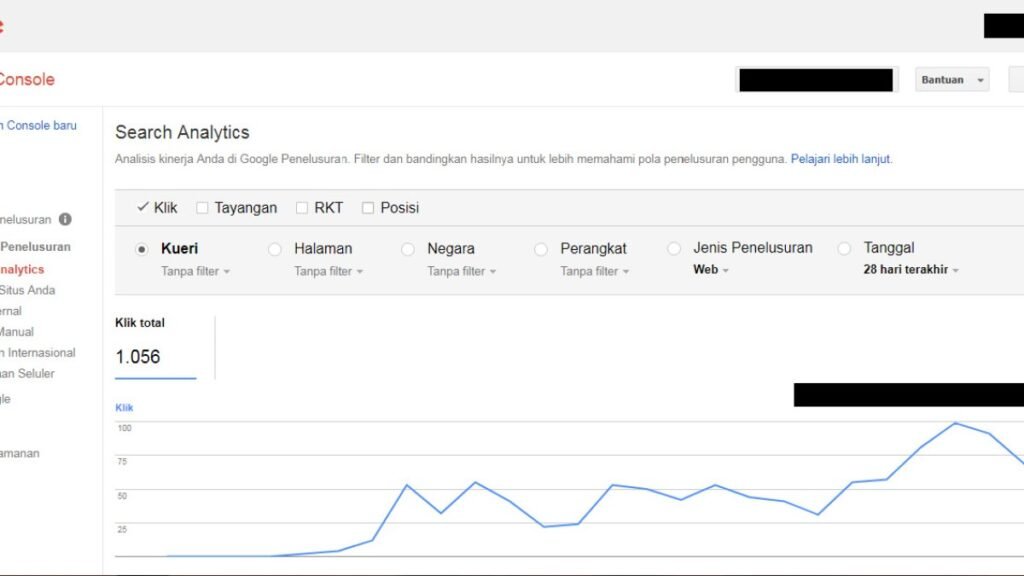
The Page indexing report can look alarming because it lists many reasons URLs are not indexed. A healthy site can still contain redirects, duplicates, alternate pages, intentionally noindexed URLs, and pages Google has not selected for indexing.
Quick Answer
Read the report by URL purpose, not by trying to make every exclusion disappear. Focus first on important canonical pages that should be indexed but are not, then investigate the specific reason and validate a representative sample.

Start With the Pages That Matter
Build a list of URLs you genuinely expect to appear in search: important posts, pages and category hubs. Compare that set with the report instead of treating every discovered URL as equally important.
Feeds, parameters, retired URLs and intentional redirects may appear in reporting without representing a defect.
Read the Reason Before Taking Action
Different states describe different situations. A duplicate page, a redirect, a crawled-but-not-indexed page and a blocked page need different responses. Open the detail view and inspect example URLs before changing configuration.
Use URL Inspection for Specific Cases
The report summarizes groups. URL Inspection gives a page-level view of indexed status, crawl information and canonical signals. Use it to verify representative important URLs rather than repeatedly requesting indexing for everything.

Page Indexing Review Order
- Define which URLs should be indexed.
- Group report reasons by importance.
- Inspect examples from each relevant group.
- Use URL Inspection on important cases.
- Fix the underlying issue before validating changes.
- Record dates so later comparisons are meaningful.
A Better Way to Prioritize Exclusions
Instead of trying to reduce every non-indexed count, create three buckets: expected exclusions, important problems, and unknown cases. Redirects, intentionally noindexed pages, and duplicate alternates may be expected. Important canonical pages that should be indexed but are not deserve investigation. Everything else can wait until you have evidence that it matters.
This prevents a common failure mode where site owners spend hours “fixing” normal exclusions while the real issue—such as a small set of important pages stuck in crawled but not indexed—receives less attention.
Use Representative URLs, Not Only Totals
Open several example URLs from each relevant reason and compare them with your intended site structure. If every example in a group is a tag archive you purposely noindex, that group is probably not urgent. If the examples are newly published cornerstone guides, investigate further.
Save the exact report date when you make a change. Search Console reporting can lag behind the live site, so a clean verification process needs both the current page state and the reporting timestamp.
Common Mistakes
The biggest mistake is assuming a lower count of indexed URLs is automatically bad. Another is changing sitewide settings because a handful of intentionally excluded URLs appear in the report.
Watch the Topic in Context
How Google Search Crawls Pages
Understanding discovery, crawling and indexing makes the Page indexing report much easier to interpret.
Watch on YouTube ↗ · Google Search Central