
“Google is ignoring my pages” describes a frustration, not a diagnosis. Search Console can help you distinguish pages that are not indexed from pages that are indexed but receiving little visible search activity. Start by deciding which pages you actually want people to find.
This is a report-reading workflow for a site owner. The examples are illustrative; we have not used private SeoNative Search Console results to produce this article.
The Useful Output
Build a short list of important URLs, their reported status, the next check and the person responsible. An exclusion count on its own does not tell you which pages need a change.
Create a List of Intended Search Pages
Write down the public pages that serve a clear purpose: your principal service or product pages, useful guides and relevant category pages. Keep drafts, private material and obsolete URLs out of this initial list. A large site can start with one template or a small group of important pages.
For each URL, record the question it answers and where readers can find its link. That gives you a reason to investigate the page beyond “it exists in WordPress.” It also prevents a long report of low-value variations from crowding out the pages that matter.
| Inventory Field | Example Value — Illustrative Only |
|---|---|
| Intended page | https://example.com/wordpress-cache-guide/ |
| Reader job | Identify why a cached page still shows an old version |
| Discovery route | Linked from the WordPress troubleshooting hub |
| Desired status | Public page intended for search |
| Next record | Reported indexing reason and inspection date |
Read the Reason Before Choosing a Fix
Open the Page indexing report and examine the reasons for non-indexed pages. Not every exclusion is an error. Use URL Inspection for a particular address, rather than treating a grouped count as the diagnosis for that page. Page indexing report guidance.
| Reported Reason | Meaning to Investigate |
|---|---|
| Discovered — currently not indexed | Google knows the URL but has not crawled it yet. |
| Crawled — currently not indexed | A crawl occurred, but the page is not currently indexed. |
| Alternate page with proper canonical tag | Another version is treated as the canonical page. |
| Excluded by noindex | An indexing exclusion was detected. |
Copy the actual wording and date from your report into the working list. Avoid reducing every row to “not indexed.” That shortcut removes the distinction that should guide your next action.
Inspect One URL and Compare It With the Intended Behavior
Suppose an important guide appears under noindex. First establish whether it was meant to be public. A deliberate exclusion on a private or low-value page may be correct. An accidental exclusion on your main guide needs a configuration investigation.
Google must be able to crawl a page to see its noindex rule. Blocking the URL in robots.txt is therefore not an interchangeable way to apply noindex. How noindex works.
For a duplicate or alternate URL, inspect the page that is being treated as primary. Canonical signals should reflect the version you intend to present, but Google may choose differently. Review the actual pages and signals before editing them. Canonical URL guidance.
- Open the reported URL and confirm that it serves the page you expect.
- Record the relevant inspection evidence and its date. Distinguish a stored result from what the public page shows now.
- Compare the page’s purpose, access settings and canonical information with your intended behavior.
- Write one next action supported by the evidence, or explicitly record that no change is needed.
Prioritize by Reader Value and a Plausible Cause
A useful queue is small enough to act on. Give priority to an important page with an identifiable accidental restriction or a broken public route. A group of intended duplicates may require documentation rather than a site change. A page whose purpose is unclear needs an editorial review before another technical switch.
| Investigation Finding | Example Next Action | Completion Evidence |
|---|---|---|
| Important guide has an unintended exclusion | Identify and correct the setting generating it | Updated public output and a dated follow-up record |
| Alternate URL points to the intended primary page | Confirm the preferred page serves the reader’s task | Documented decision; no unnecessary change |
| Public guide has no useful internal route | Add a relevant link from an existing guide or hub | Working link visible on the published source page |
| Two guides repeat the same narrow answer | Review their purposes and decide how to handle overlap | A clear editorial decision and maintained URL history |
These are proposed responses to findings, not automatic fixes attached to report labels. For example, adding an internal link may improve the site’s navigation, but it does not prove that a missing link caused a particular indexing outcome.
Use Performance Data for a Different Question
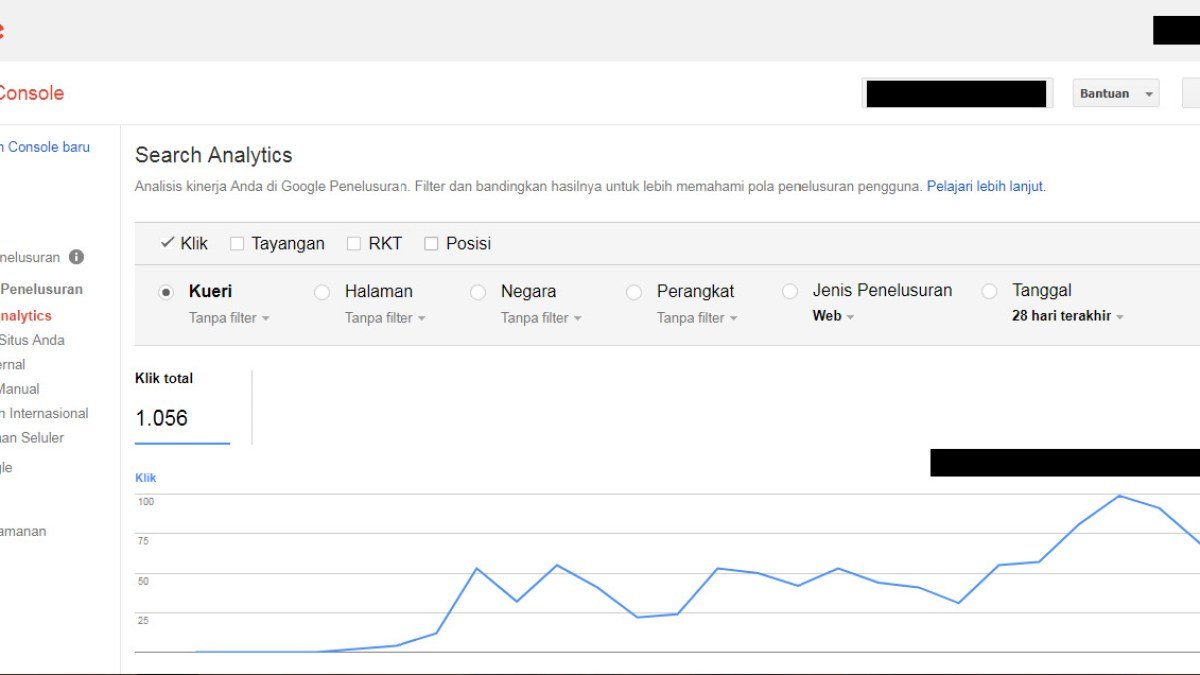
Once the issue is visibility rather than index inclusion, use the Performance report. Filter to the page and keep the period and search type explicit. Impressions and clicks help describe observed search exposure; they do not replace an indexing investigation. Performance report documentation.
Keep a dated follow-up column in your working list. After a correction, compare the later evidence with the original finding. Record what changed and what remains uncertain. Avoid repeatedly changing the page while waiting, because you will lose the ability to explain which version you are evaluating.
Use the Search Console route in Start Here when choosing between an indexing investigation and a visibility investigation. Finish with an evidence-based queue, even when the correct action for some URLs is to leave them as they are.

Watch the Topic in Context
How Google Search Crawls Pages
This official explanation of crawling helps interpret why some URLs may be discovered, fetched, or left out of the index. Pair it with Search Console’s URL-level evidence rather than assuming every missing page has the same cause.
Watch on YouTube ↗ · Google Search Central