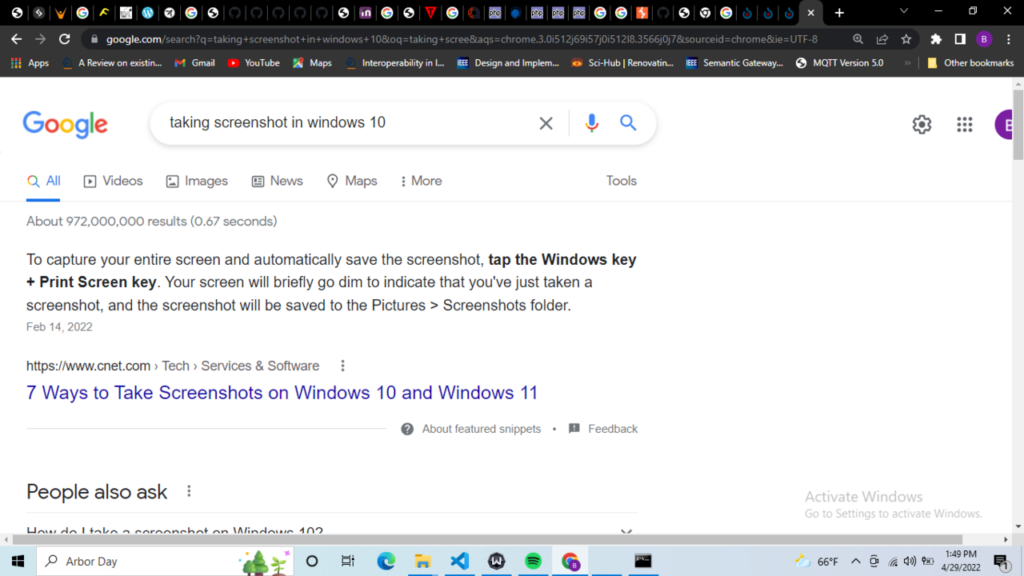
Your WordPress page is indexed, but you cannot find it for the search you care about. Before rewriting the article or switching SEO plugins, make the problem specific: which URL, which query, which audience and which period are you checking?
An indexed page can have little visible search activity. Google describes ranking as a query-dependent process using multiple page-level and site-wide signals. Index inclusion does not establish how prominently a page will appear for a particular search. Google’s ranking systems guide.
Start Here
Confirm the canonical page, narrow the performance report to that URL, and distinguish no impressions from impressions without clicks. Then inspect whether the page actually helps with the task behind the query. These situations call for different work.
Write Down the Exact Problem
Replace “my page does not rank” with a statement you can investigate. For example: “The canonical URL for my WordPress caching guide is indexed, but the page has no reported impressions for the query I expected during the selected reporting period.” This is a hypothetical example, not a SeoNative result.
| Record | Why It Matters |
|---|---|
| Exact URL | A changed slug, redirected address or duplicate version can confuse the comparison. |
| Target question | A broad topic such as WordPress speed is different from a specific troubleshooting task. |
| Date range and search type | A recent Web report should not be compared casually with a longer Image report. |
| Country and device, if relevant | The intended audience may differ from the audience represented in an unfiltered total. |
| Last meaningful edit | The current page may differ from the version behind the available evidence. |
Keep the initial record small. One URL and one reader problem are enough to begin. A spreadsheet containing hundreds of keyword variations can conceal the simple question of whether this page deserves to be the useful answer.
Check Which URL Google Treats as Primary
If you have owner access, inspect the URL and review the canonical information in the stored result. Compare it with the canonical declared on the public page. Google treats canonical declarations as signals and may choose a different URL; a self-referencing tag alone does not prove the selection. Google’s canonical URL guidance.
If the intended page has become a duplicate of another useful page, review those two pages together. Decide whether they serve distinct tasks before changing canonical tags. Adding a new canonical to force a preferred report is a poor substitute for understanding why the content overlaps.
At SeoNative, we observed a self-referencing canonical on the Start Here page on 19 September 2026. We have not collected its Google-selected canonical or ranking data for this guide. The public tag is an implementation observation, not a search result.
Separate Three Visibility Situations
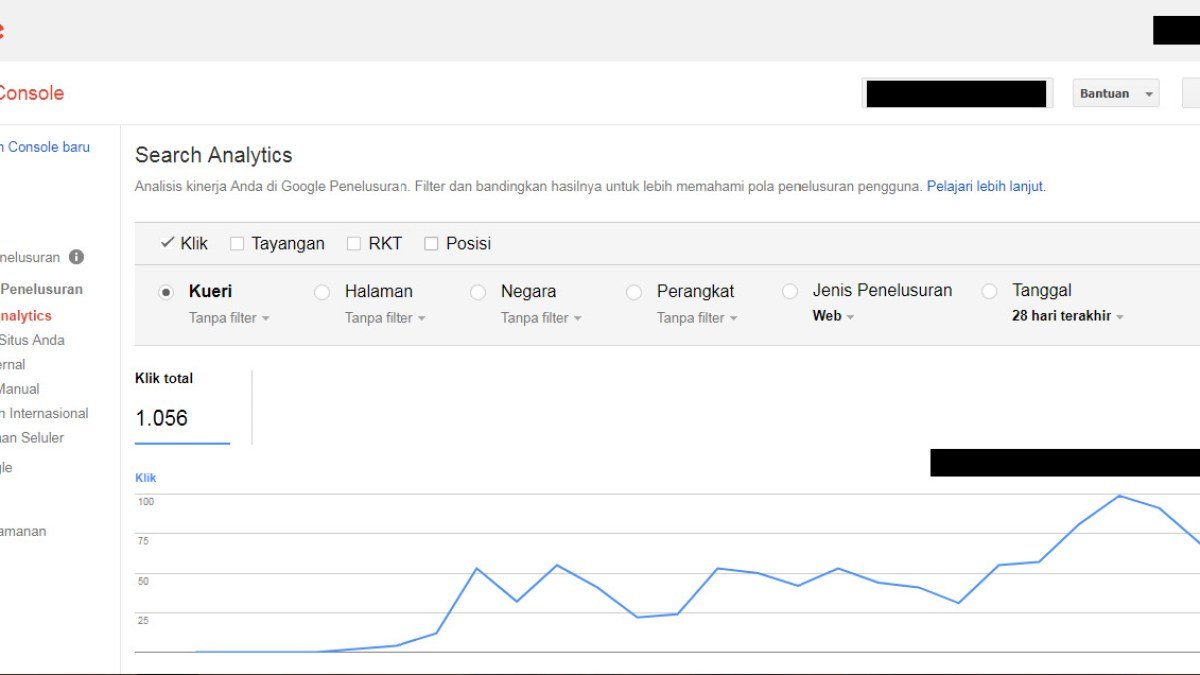
In the Search Console Performance report, choose the relevant search type and period, filter to the page, then examine its queries. Impressions, clicks and position answer different questions. Your own search results are not a stable measurement of everyone else’s experience. Search Console Performance report.
| Observed Situation | Useful Next Investigation | Avoid Concluding |
|---|---|---|
| No reported impressions | Check filters, the reporting period and whether the page serves a specific search need. | The site has a penalty or the page is technically blocked. |
| Impressions, few or no clicks | Review the queries, result position and the promise made by the title. | The title alone caused the result. |
| Visits for unexpected queries | Read the page through the lens of those questions. | Every unexpected query needs a new page. |
Treat the table as a way to choose an investigation. It does not diagnose the cause from a single metric. Small samples are particularly easy to overinterpret: one extra click can produce a large percentage change without establishing a durable improvement.
Compare the Promise With the Actual Answer
Read your title and introduction, then ask a reader to describe what they expect to accomplish. If the title promises a fix, the body needs a diagnosis and a way to check the outcome. A long definition followed by generic tips does not complete that task.
- Name the reader’s starting condition: what is broken, missing or uncertain?
- Put the first useful decision near the beginning. Let readers tell whether this guide applies to them.
- Support technical claims with appropriate sources and show any actual testing method.
- Remove sections that repeat the topic without helping the reader act.
- Check the links that lead to this page. Their wording should accurately explain why someone would open it.
Google’s content guidance encourages useful, reliable material and explicitly rejects the idea of a preferred word count. More paragraphs are not evidence of a better answer. Helpful content guidance.
Make One Defensible Change and Keep a Record
Choose a change that follows from what you found. If the title promises troubleshooting but the article never helps identify the cause, improve that decision path. If two pages answer the same narrow question, review their purposes together. If the reporting filters were wrong, correct the comparison before editing the site.
Record the date, the reason for the change and the evidence you will review later. Keep the comparison period and filters consistent. A later improvement can be encouraging without proving that your edit caused it; demand, competitors and other site changes can also vary.
Use the Search Console section of Start Here to choose your next diagnostic step. The immediate goal is a clear problem and a useful correction, not a promised ranking deadline.

Watch the Topic in Context
How Google Search Crawls Pages
Ranking comes after discovery and indexing. This official Google video helps separate crawling from the later question of whether an indexed page is competitive enough to rank.
Watch on YouTube ↗ · Google Search Central