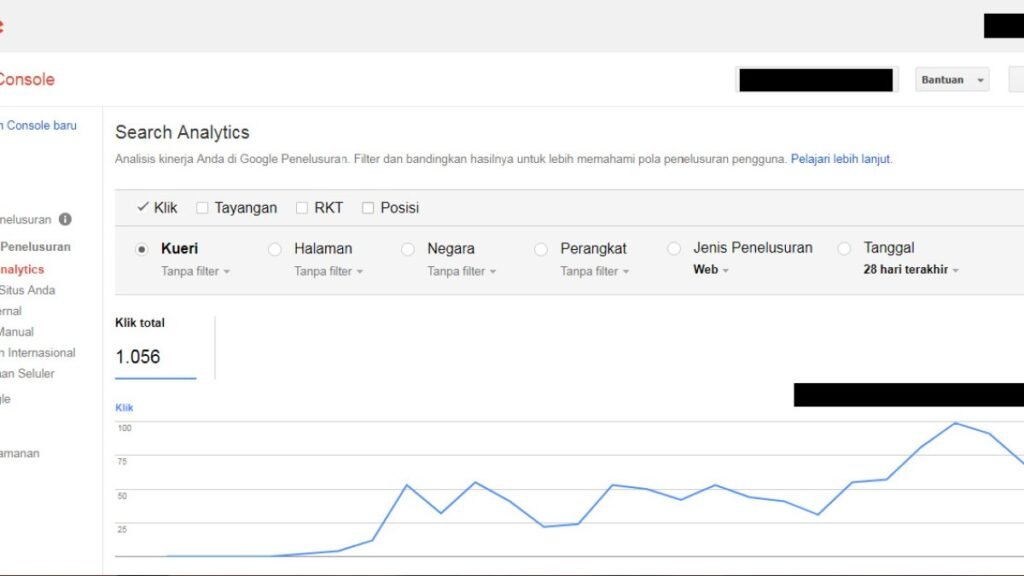
Your new WordPress site is live. You have added it to Search Console, submitted a sitemap, or clicked the button to request indexing. What should you check next? The answer depends on which action you took and which URL you are investigating.
We are documenting that process on SeoNative. This first entry records our starting point on 19 September 2026. Search Console observations still need to be collected before we can report a submission-to-indexing timeline.
Quick Answer
Adding a Search Console property gives you access to reports and tools. Submitting a sitemap helps Google discover URLs. Requesting indexing asks Google to revisit an individual page. Each action has a different purpose; none guarantees that a page will appear in search results.
Check the exact URL, record what the relevant report says, and choose a next action from that evidence. Google can discover sites without a Search Console account. See Google's introduction to Search Console.
What We Verified on SeoNative
Before interpreting a Google report, we recorded the site’s own state. We inspected the public homepage and starter guide while signed out, then checked the WordPress content inventory. These observations were made before saving this article as a draft.
| Check | Observed on 19 September 2026 | What It Tells Us |
|---|---|---|
| Published content | Three supporting pages; no published posts | The size of our starting content set |
| Homepage and starter guide | Both opened in a signed-out browser | A visitor could view these pages in that session |
| Robots meta tags | Both included index and follow | Their HTML did not request noindex |
| Canonical links | Both declared their own page URL | The preferred URL declared by each page |
| Internal navigation | The homepage linked to the starter guide | A visible link between the two pages |
| Search Console results | Not yet collected | Submission, crawl and indexing outcomes remain unmeasured |
Our two tracking URLs are the homepage and the starter guide. Keeping the sample fixed will let us compare later observations without mixing different pages.
We still need to verify the site’s robots.txt rules, sitemap contents and HTTP response headers. Browser access and a permissive HTML tag alone cannot establish what Googlebot receives.
Three Actions Often Called Submission
Add and verify a property. This establishes access to Search Console data for the relevant site. It is the starting point for your reporting setup. Record which property you are viewing so that later checks refer to the same scope.
Submit a sitemap. A sitemap lists URLs you want search engines to discover. It can be useful for a new site with few incoming links, although listing a URL does not guarantee crawling or indexing. Google's sitemap overview explains its role.
Request indexing for a page. This is a URL-level request. Google says crawling can take days to weeks and that repeated requests do not make it happen faster. That range is not a promise that the page will be indexed by a particular date. Read Google's recrawl guidance.
Discovery, Crawling and Indexing Are Different
Google first needs to learn that a URL exists, perhaps through a link or a sitemap. Crawling retrieves page content. Indexing analyzes content and determines what to store. Serving a result involves selecting relevant results for a search. A URL does not necessarily complete every stage. Google's guide to how Search works describes these distinctions.
For our observation log, each stage needs its own evidence. A submitted sitemap cannot stand in for a recorded crawl. A crawl date cannot stand in for an indexed status. An indexed status cannot tell us whether a particular search generated an impression or a visit.
A Practical Check After Submission
- Choose the property and exact URL. Copy the page address you intend to track. Keep its protocol, host and path in the record. For SeoNative, we will start with the two URLs listed above.
- Record the sitemap result. Save the submitted sitemap URL, its submission date, last-read date and status. The status describes Google’s processing of the sitemap. It does not establish that every listed page is indexed. The Sitemaps report documentation explains what its fields mean.
- Inspect the page’s recorded status. In URL Inspection, note the indexing result, available crawl details and canonical information. Record missing fields as unavailable. Do not turn an empty field into a zero or an assumed success.
- Use a live test for a current access question. The indexed report reflects Google’s stored information; a live test checks the current page. Label which one you captured. A successful live test does not guarantee indexing or predict Google’s selected canonical. See the URL Inspection guide.
- Make one justified change and log it. If the evidence reveals a specific problem, record the affected URL, the change and its time. Keep that entry alongside the next observation so readers can see the sequence. A later status change alone will not prove what caused it.
For each check, save a small record rather than relying on memory:
| Field | Record |
|---|---|
| Observation time | Date, time and timezone of the check |
| Property and URL | The exact scope and page inspected |
| Report type | Sitemaps, indexed URL Inspection or live test |
| Observed status | The displayed status and available dates |
| Site change | What changed since the previous observation, or none |
| Next action | The specific issue to resolve or observation to repeat |
When we add screenshots, their captions will include the capture date, inspected URL and report type. The screenshot and written log should support the same claim.
Technical Note
The HTML robots tag, robots.txt and canonical link do different jobs. Our index directive does not request exclusion, but indexing eligibility also depends on access, a working response and indexable content. Google's minimum technical requirements are an eligibility check, not a guarantee.
A robots.txt rule controls crawling. It is not a reliable way to remove a URL from search results. Google's robots.txt introduction explains that limitation. We have not yet verified SeoNative’s file.
The canonical links in our baseline record the site’s preference. Google’s selected canonical still needs to be checked in the URL Inspection evidence.
Common Mistakes When Reading the Results
Treating sitemap success as an indexed-page count. The sitemap report’s success status concerns reading the sitemap. Check individual URLs before making an indexing claim. Also, an absent sitemap row does not establish that Google has never discovered that sitemap elsewhere.
Treating every exclusion as an error. A page reported as discovered but not indexed has a different recorded state from one crawled but not indexed. Some excluded URLs are intentionally outside the index. Start with the reported reason and whether that particular URL should be indexed. Google's Page indexing report guide explains the categories.
Changing several things before recording the baseline. If you change the theme, URL, text and sitemap together, your log will have little ability to explain a later result. Our approach is to record a concrete finding, make a relevant change and preserve its timing.
What a Useful Result Looks Like
Our next useful result is a dated record for each tracking URL: what was submitted, what Google last reported and what remains unresolved. If the homepage and starter guide have different outcomes, we will report them separately.
This is a single-site observation. It can show what happened on SeoNative during the recorded period; it cannot establish a universal waiting time, prove that a particular setting caused indexing or promise future rankings.
If you are doing the same check on your own site, leave with one answer you can support and one next action. For example, a verified sitemap-fetch problem gives you a specific issue to investigate. An unavailable crawl date gives you a gap to record. Neither requires guessing when traffic will arrive.
For the broader setup sequence, use our Start Here guide. Our editorial approach explains how we separate documentation, observations and conclusions.

Watch the Topic in Context
How Google Search Crawls Pages
This official Google Search Central video explains discovery, crawling, rendering, and the role of sitemaps. It gives useful context for what can happen after a new site or URL is submitted.
Watch on YouTube ↗ · Google Search Central