After updating an article, it is natural to want a precise answer for when Google will recrawl it. There is no universal schedule because crawl timing depends on the site, URL importance, technical health and other systems.
Quick Answer
Recrawling can take days to weeks, and requesting indexing does not guarantee immediate crawling or indexing. Make the updated URL accessible, internally linked and technically consistent, then monitor actual crawl evidence instead of repeatedly resubmitting.
Recrawl Timing Is Variable
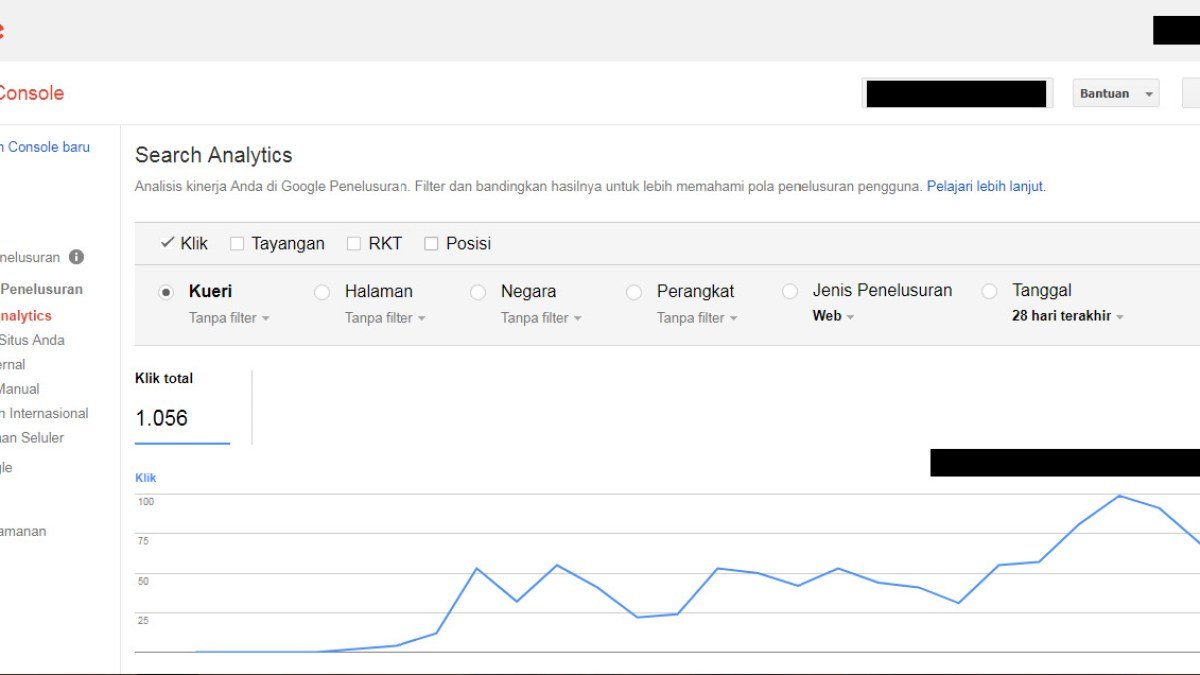
Google’s documentation explicitly notes that crawling can take from days to weeks and that repeated requests do not make the process faster. Treat any fixed timeline presented as a guarantee with caution.
Make the Update Easy to Discover
Keep the same stable URL when the page is being refreshed, link to important updated content where appropriate, and maintain a clean sitemap. Avoid changing several technical signals at the same time unless the change requires it.
Observe Rather Than Guess
URL Inspection can provide crawl information for a specific page. Record the date you made the change and the next observed crawl so you can build evidence for your own site instead of relying on anecdotes.

After Updating a Page
- Keep the canonical URL stable unless a move is required.
- Confirm the page returns 200 and is indexable.
- Update important internal links if needed.
- Request indexing only for important URLs.
- Record update and observed crawl dates.
- Avoid repeated requests without new changes.
Example: Measuring Recrawl on Your Own Site
Choose a small set of important URLs and record the exact time of a meaningful update. For each page, note what changed—such as a new section, corrected data, or a substantial rewrite—and the next crawl date you observe in URL Inspection. Over several updates, this creates a site-specific record instead of relying on anecdotes from unrelated domains.
Do not treat the resulting average as a promise. Crawl timing can differ between URLs and periods, and a new crawl does not guarantee a visible ranking or snippet change.
Changes That Do Not Require a New URL
Refreshing facts, improving examples, adding media, correcting broken links, and expanding a guide usually belong on the existing canonical URL. Changing the slug merely to make Google revisit the content introduces a migration problem without solving a crawl problem.
For especially important updates, make the page easy to rediscover through relevant internal links and a clean sitemap. Then let the crawl and indexing systems process the page rather than sending repeated requests every few hours.
When Faster Recrawling Is Operationally Important
Some updates matter more than others. Correcting a dangerous factual error, replacing a broken canonical, or fixing a page that accidentally became noindex deserves quicker verification than changing a sentence for style. Prioritize recrawl requests for changes where the stale version creates a real user or search problem.
For routine editorial improvements, a healthy site can usually rely on normal discovery and recrawling. That keeps manual requests focused and avoids treating the URL Inspection request button as part of every publishing checklist.
Common Mistakes
Repeatedly clicking Request Indexing, changing the publication date without substantive updates, or altering the URL simply to trigger recrawling creates more noise than value.
Watch the Topic in Context
How Google Search Crawls Pages
This Search Central video explains the crawl process behind the recrawl question.
Watch on YouTube ↗ · Google Search Central