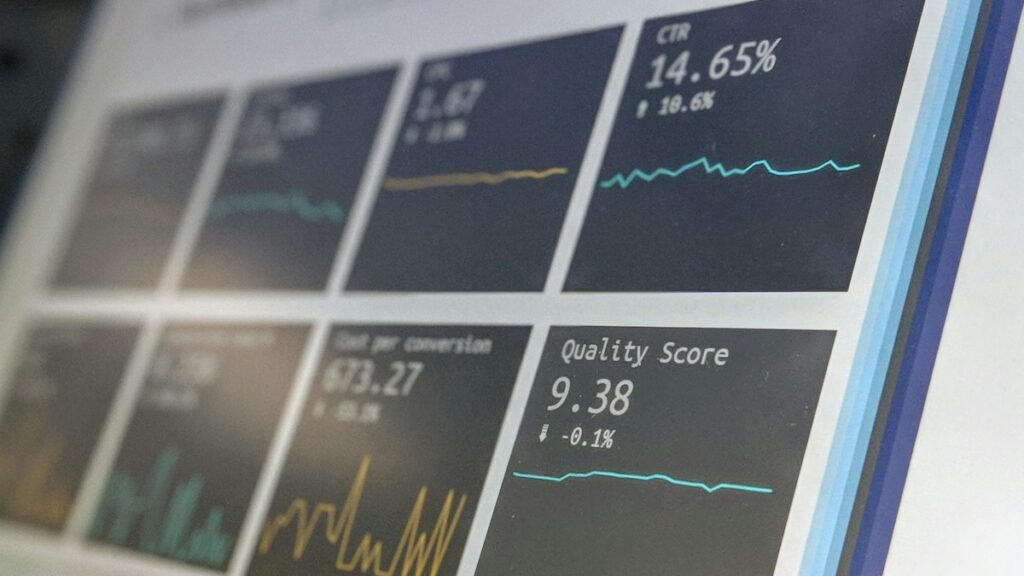
A sudden drop in Search Console impressions can come from many different causes: demand changed, one high-volume page lost visibility, URLs fell out of the index, a site migration went wrong, or the reporting mix changed. The graph tells you something happened; it does not tell you why.
Quick Answer
Confirm the date and scope, segment the decline by page and query, check indexing and technical changes, compare devices and countries, and review external demand. Diagnose from evidence before changing content or sitewide settings.

Locate the Drop Precisely
Compare equal periods and identify the first date the change appears. Check whether clicks and impressions moved together and whether the decline affects the whole property or a subset.
Find the Pages and Queries Responsible
Sort losing pages and queries by the size of the change. Often a dramatic sitewide graph is explained by a small number of URLs or seasonal queries.
Check Technical and Indexing Events
Review deployments, robots changes, redirects, canonicals, server errors and Page indexing data around the same dates. A technical cause should have supporting evidence beyond the performance graph.

Drop Diagnosis Checklist
- Confirm filters and date ranges.
- Identify losing pages.
- Identify losing queries.
- Compare country and device segments.
- Check indexing and URL Inspection.
- Review deployments and server incidents.
- Consider seasonality and changing demand.
A Fast Triage Sequence for Sudden Drops
Start by checking whether the drop is real: confirm the property, search type, country, device, and date filters. Then compare equal periods and identify the first day the change becomes visible. A reporting-filter mistake can look exactly like a traffic incident.
Next, isolate the loss. Sort pages by impression decline, then do the same for queries. If most of the sitewide drop comes from two URLs, investigate those pages before touching the rest of the site. If the loss spans many unrelated pages at the same time, technical or broader search changes become more plausible hypotheses.
Build a Timeline Before Making Changes
Place deployments, migrations, robots changes, outages, content removals, and major publication events on the same timeline as the performance shift. Also check Google’s Search Status Dashboard when appropriate. Correlation does not prove cause, but it helps you choose what evidence to collect next.
A good incident note should separate what is confirmed from what is suspected. “Impressions fell 35% on three pages after September 12” is evidence. “The algorithm penalized us” is a hypothesis until stronger evidence exists.
Separate Demand Loss From Visibility Loss
A page can lose impressions because fewer people are searching for the topic, because the page appears less often for the same demand, or because query mix shifted toward another wording or feature. Those explanations lead to very different actions.
Compare related queries, seasonality, countries, and other available demand signals before concluding that the page itself deteriorated. If search demand remained stable while one URL lost impressions across its core query set, a page-level or competitive visibility issue becomes more plausible.
Common Mistakes
Do not rewrite dozens of pages based on a single sitewide graph, and do not assume every decline is an algorithm update. Start by isolating where the loss actually occurred.
Watch the Topic in Context
How Google Search Crawls Pages
Technical crawl or indexing failures can affect visibility, so it helps to understand the pipeline before attributing a performance drop.
Watch on YouTube ↗ · Google Search Central